6 min read
The 10 best Framer portfolio templates for 2026, for photographers, designers, studios and agencies. Free and paid picks, with the right fit for your work.

Hamza Ehsan
Framer Partner · 2,300+ templates sold
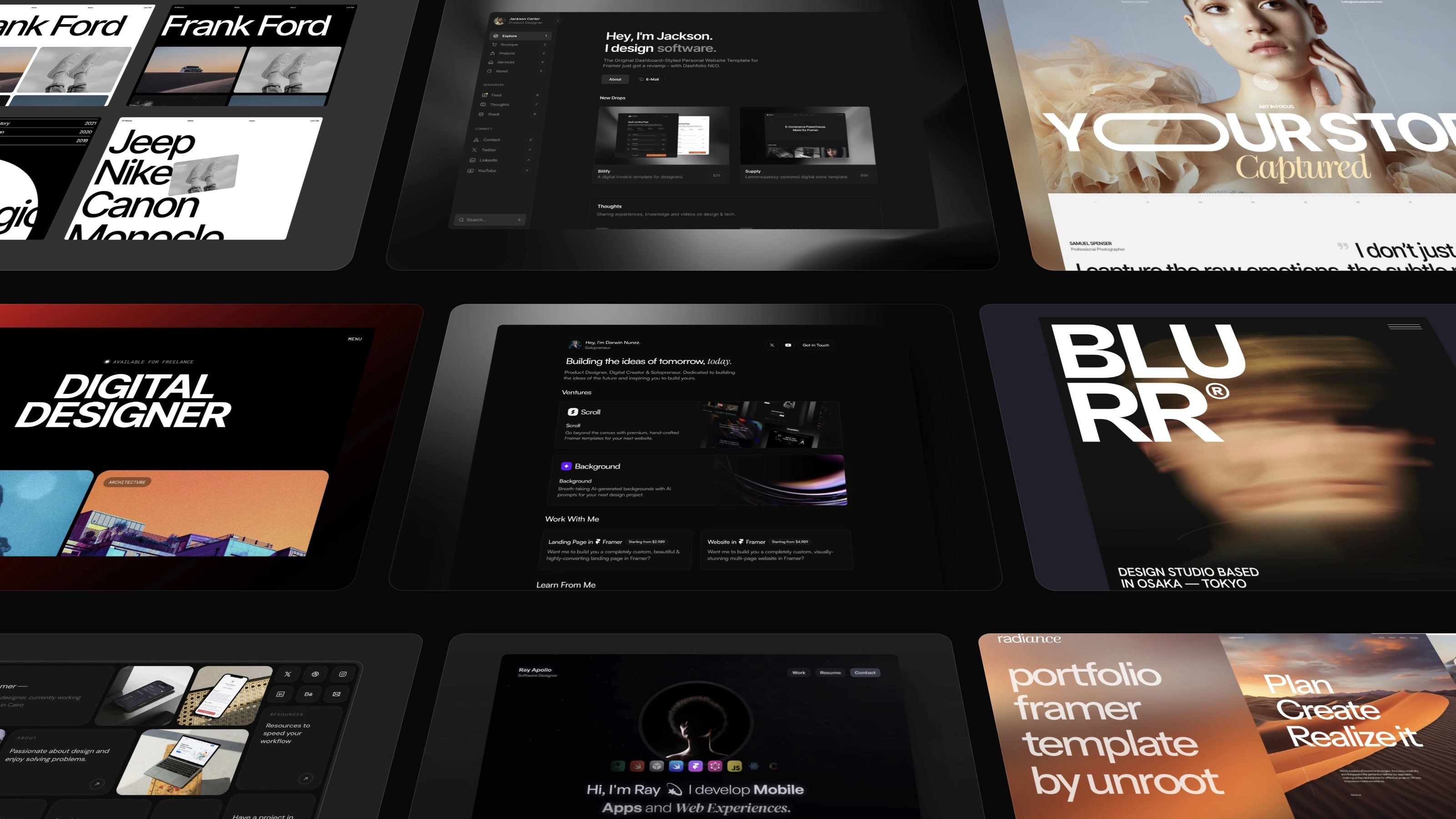
Your portfolio is usually the first thing a client or employer sees, and often the only thing they judge you on. It needs to look the part without eating weeks of your time to build. That’s what a Framer portfolio template gives you, a finished, professional site you copy into your own account and make your own, without writing a line of code or paying a designer.
I’ve sold over 2,300 Framer templates, so I’ve spent more time working out what makes a portfolio site actually land than most. These are the 10 best Framer portfolio templates I’d point you to in 2026, picked for different kinds of work. Scan the list for your field.
Are Framer portfolio templates worth it?
Yes, and not for the reason most people assume. The value isn’t that you skip the building, it’s that you skip the deciding. The hardest part of a portfolio built from scratch was never the pages themselves, it’s working out what goes where, and what to put front and centre so your best work is the first thing anyone sees. A good template hands you all of that, already solved by someone who’s built plenty of them.
So instead of losing a fortnight to layout decisions, you spend an evening swapping in your own work, then your colours and fonts. The structure already knows what a portfolio is meant to do, you just make it your own. And because the responsive design and animations are already built, it looks sharp on a phone as well as a laptop without you having to fix anything for mobile.
The 10 best Framer portfolio templates
A mix of free and paid, from photography to full agency sites. I’ve marked which are mine.
Noora, for design studios and agencies (free)
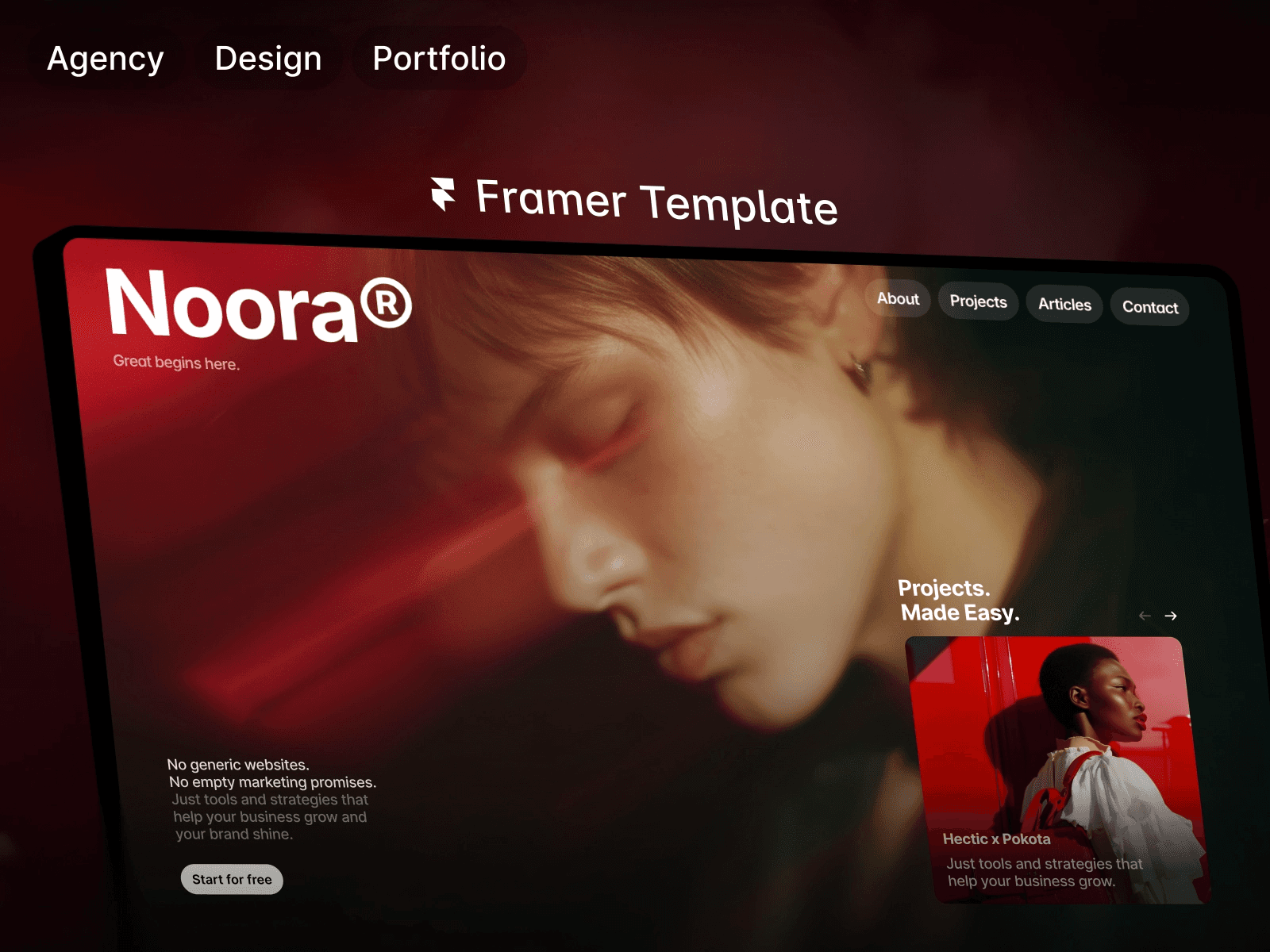
Noora‘s a free template by Jakke Dea, and it punches well above that price. It’s a clean, monochrome studio site with proper CMS case-study pages, so you can lay your projects out like a real agency portfolio rather than a wall of thumbnails. If you’re a studio or freelancer who wants to look established without spending anything, start here.
Viral, for social media and marketing agencies ($129)
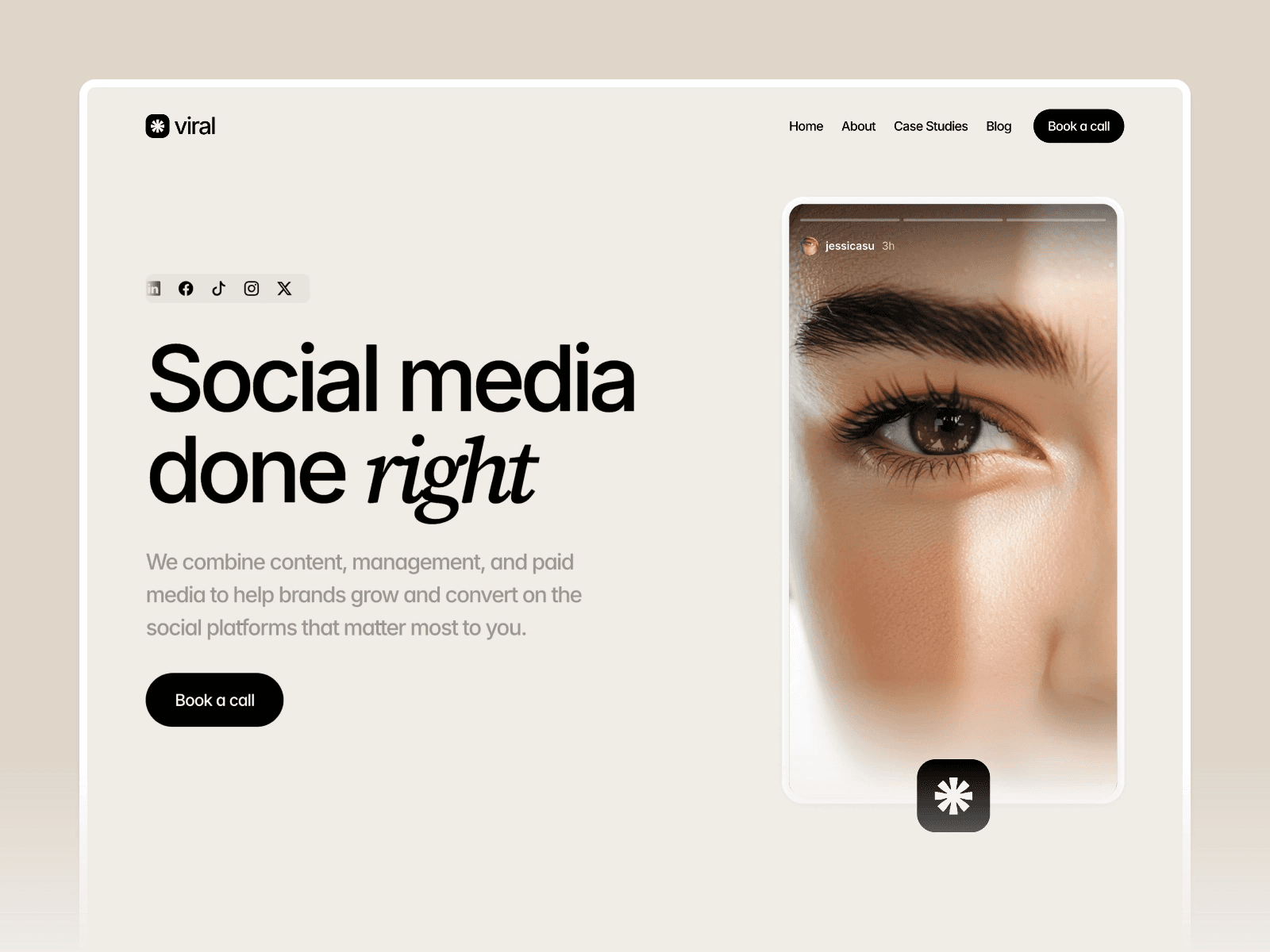
Viral‘s one of mine, built for social media and marketing agencies that need to look results-driven from the first scroll. It’s the boldest, most colourful option here, with room for case studies and the kind of energy that suits an agency selling reach. It comes with 8 pages and a step-by-step video course to get you live.
Fabrica, for high-contrast studio sites ($129)
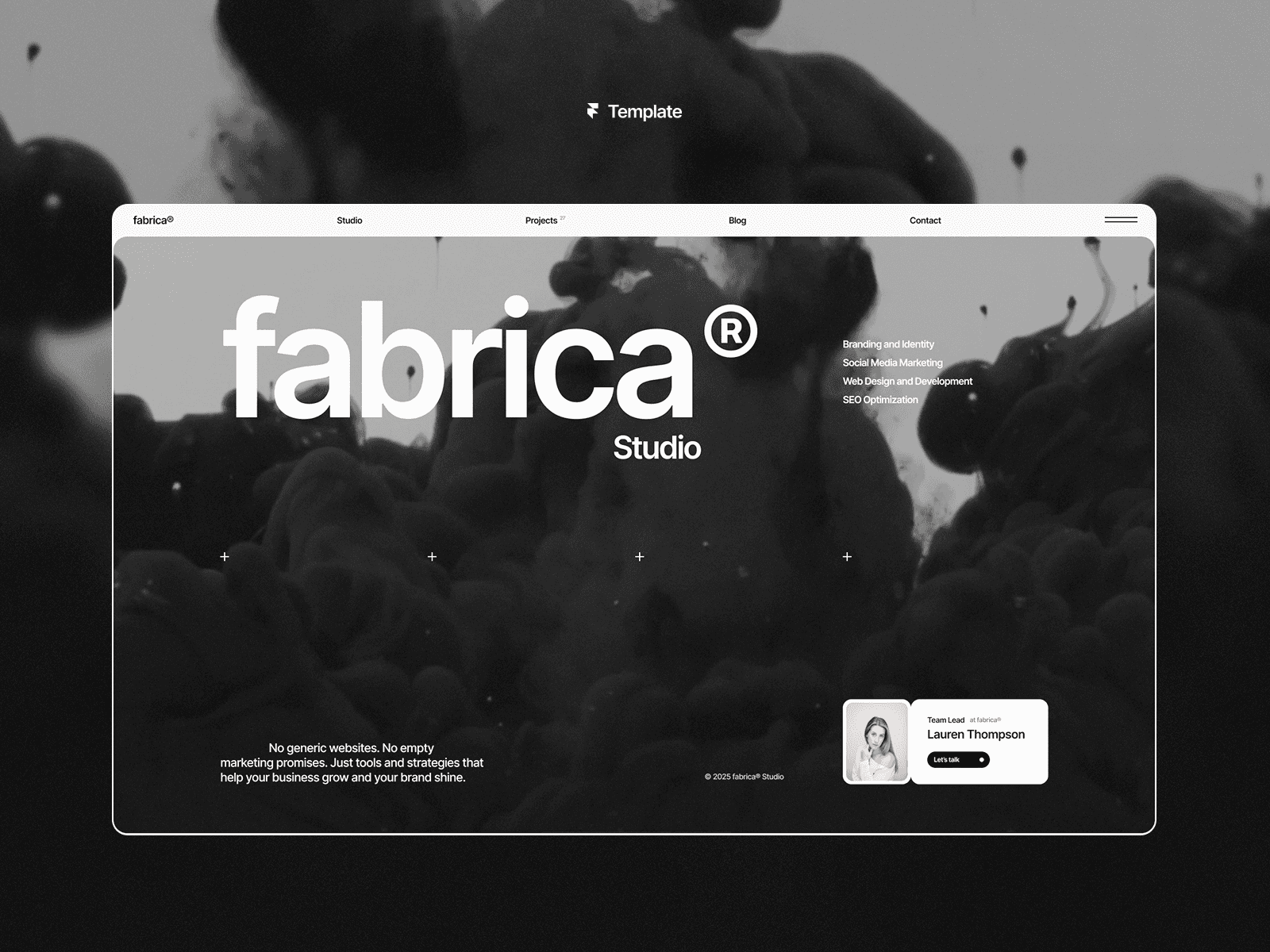
Fabrica by Anatolii Dmitrienko goes the other way from Viral, all monochrome and high contrast, with a layout engineered to push visitors toward getting in touch. The testimonials and CTAs are placed deliberately, so it’s a strong pick if you want your portfolio doing some selling rather than just sitting there. Good for studios and designers who like their work to speak loudly in black and white.
Whenevr, for design subscription services ($129)
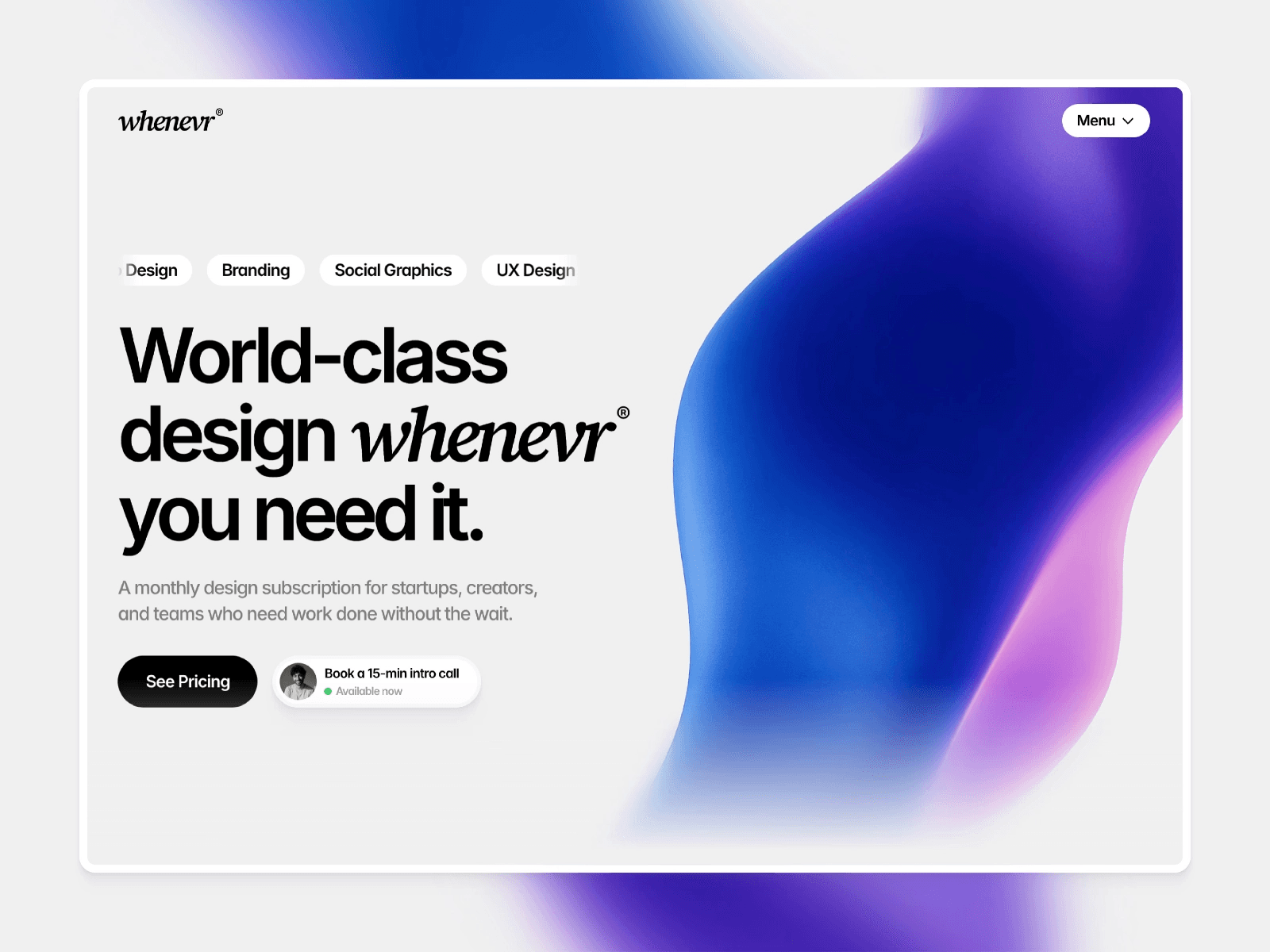
Whenevr‘s another of mine, though it’s the odd one out here: it’s built for design subscription services rather than a straight portfolio. If you run a productised design business where clients pay monthly for ongoing work, it’s set up to sell that model while still showing your past projects. Worth a look if that’s you, but skip it if you just need a portfolio.
Aperture, for photographers ($129)

Aperture‘s mine too, and it’s the one to grab if you shoot for a living. It puts the photography front and centre so a client’s first impression is the work, not the layout around it, and it’s set up to turn a browse into a booking. Built for portrait and editorial photographers who live or die on their visuals.
Revana, for interior and spatial designers ($79)
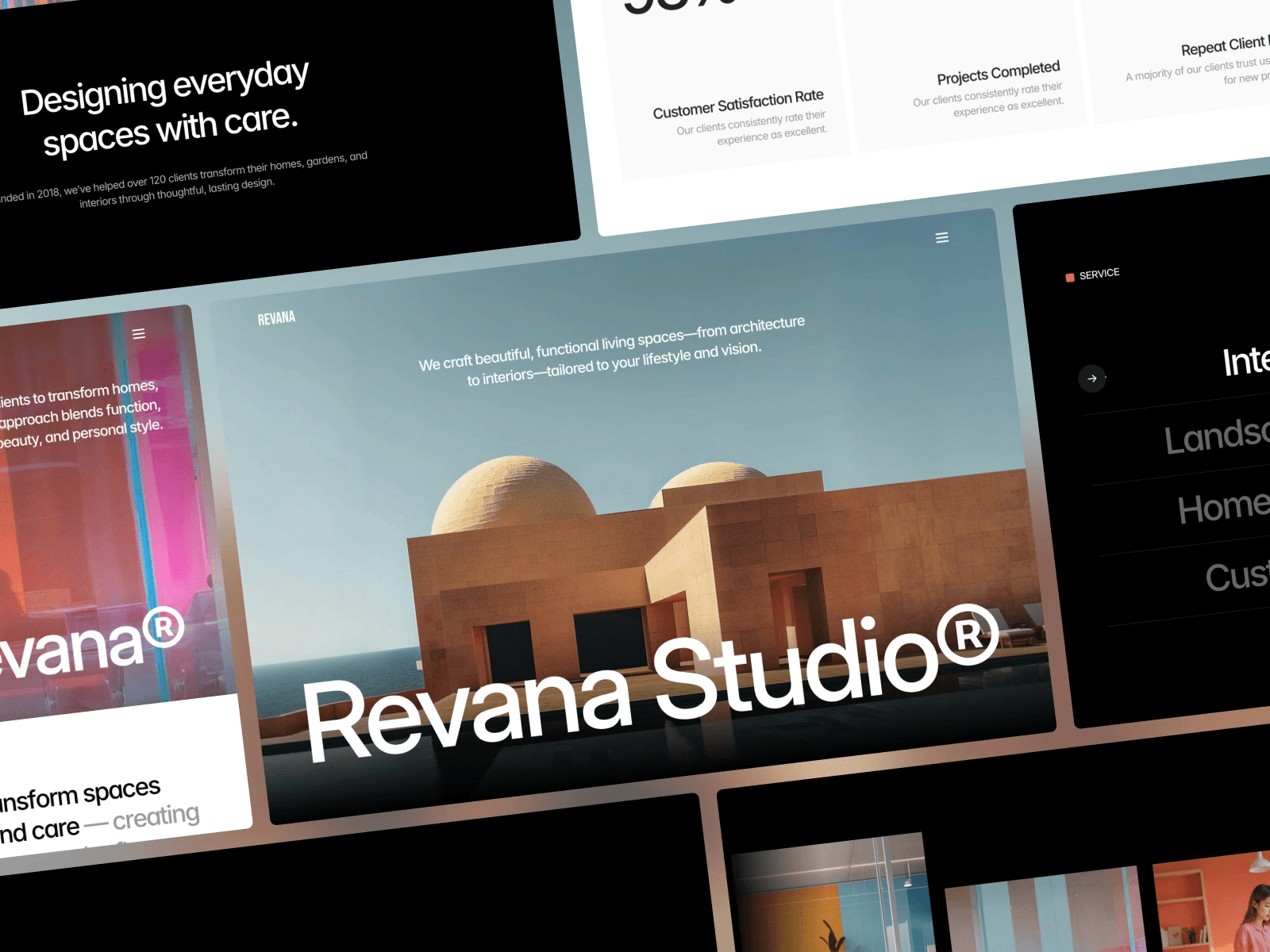
Revana by Lunis Design is the pick for a different crowd, interior designers and home service studios, the kind of work that’s as much about spaces as screens. It leans elegant and calm, with light and dark themes and room to walk through projects properly. At $79 it’s one of the cheaper options here, and a rare portfolio template built for that niche.
Mike Bennet, for brand and graphic designers (free)
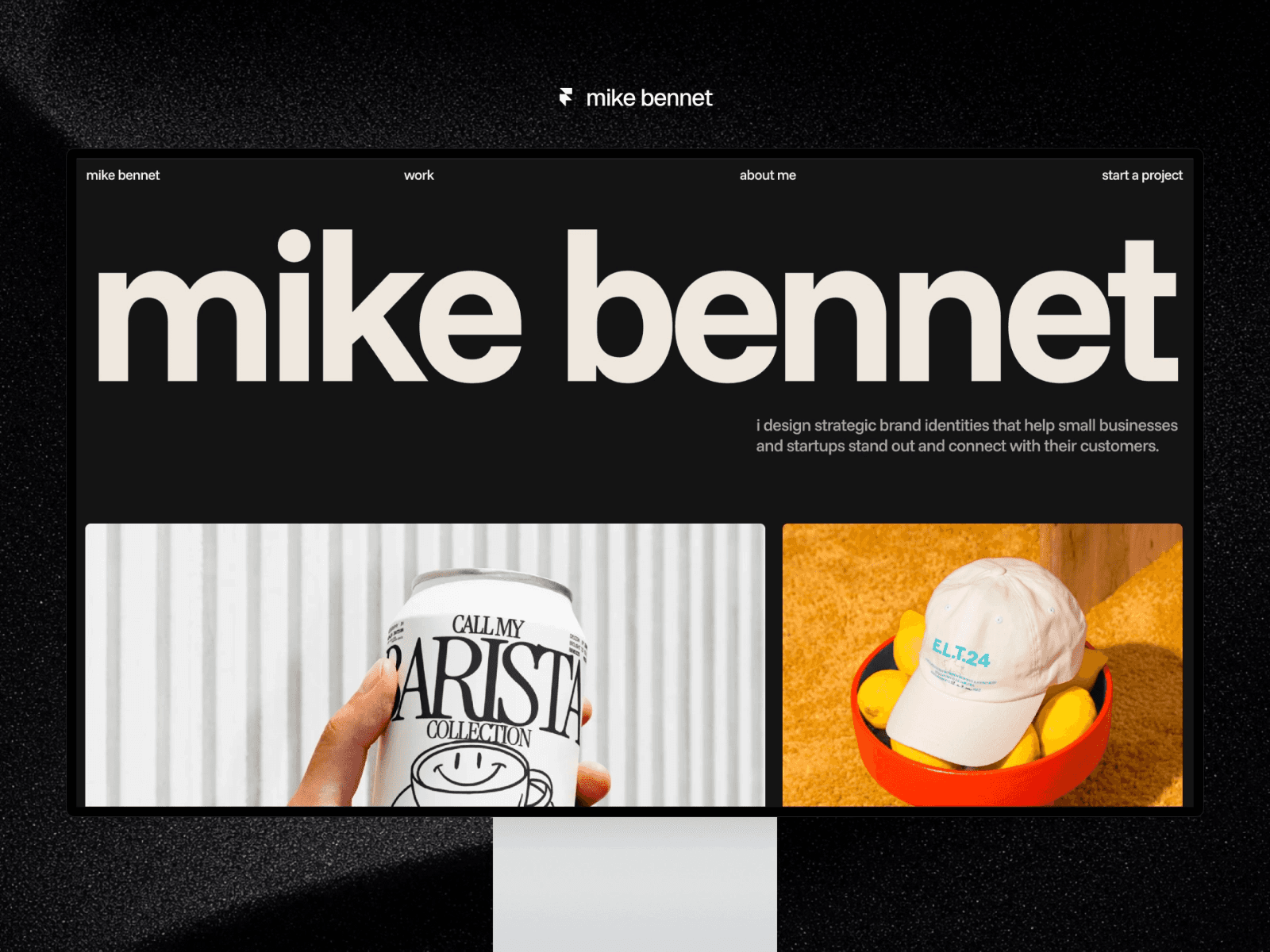
Mike Bennet by Lazar Filipović is a free, dark-mode portfolio made specifically for brand and graphic designers. It keeps everything on the work with bold type and a project-first CMS layout, so it’s quick to fill with case studies and get live. If you’re a designer or art director who wants premium without paying for it, this is the one.
Avexa, for full agency sites ($79)
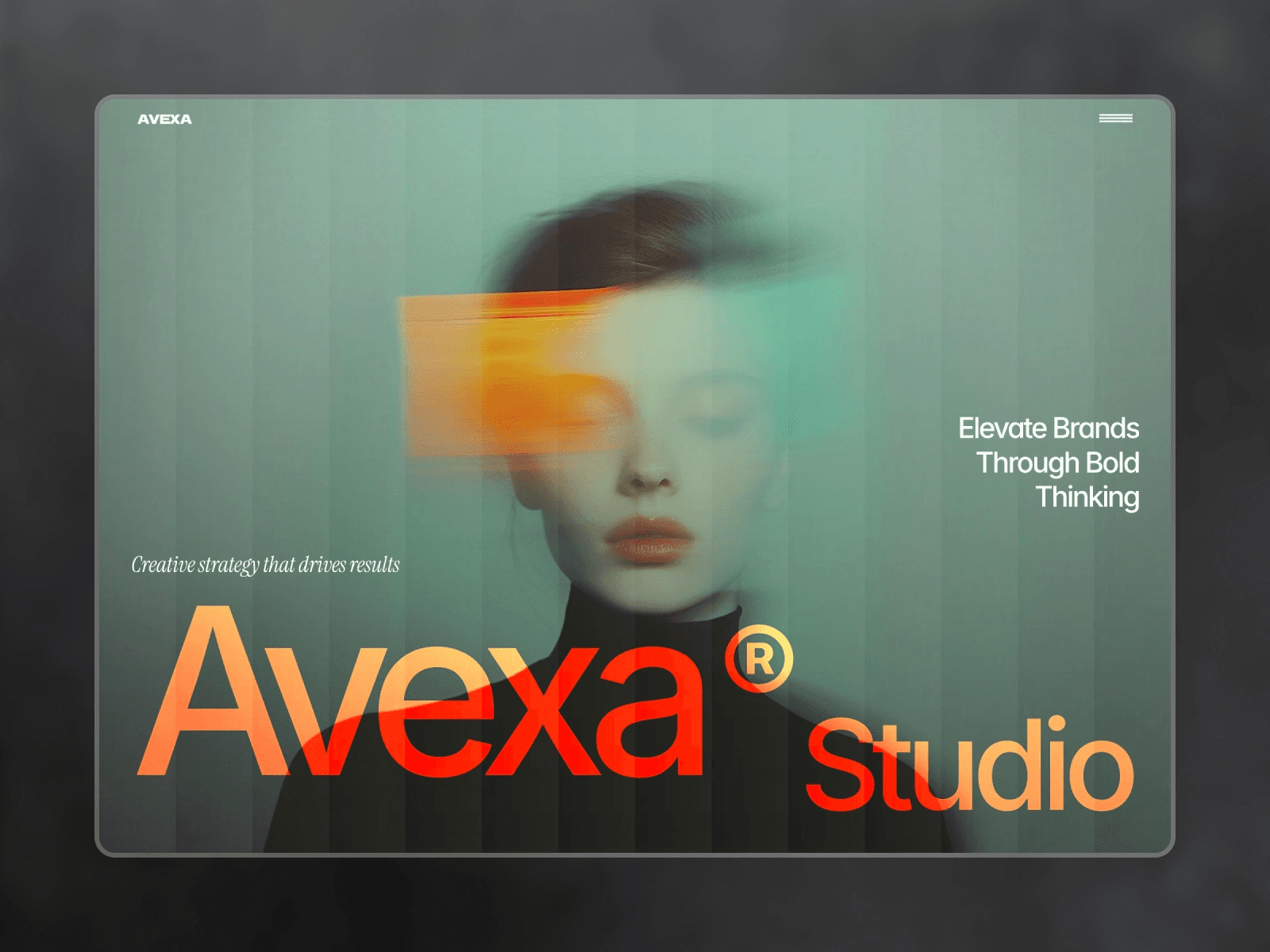
Avexa, also from Lunis Design, is the most complete agency site in the list, with the kind of services and pricing pages a portfolio template usually skips, plus a proper team section. It’s less a pure portfolio and more a full shopfront for a digital or marketing agency, so pick it if you need to sell services as much as show projects. Another $79 option, and good value for how much is packed in.
Arpeggio, for agencies that want a portfolio that converts ($129)
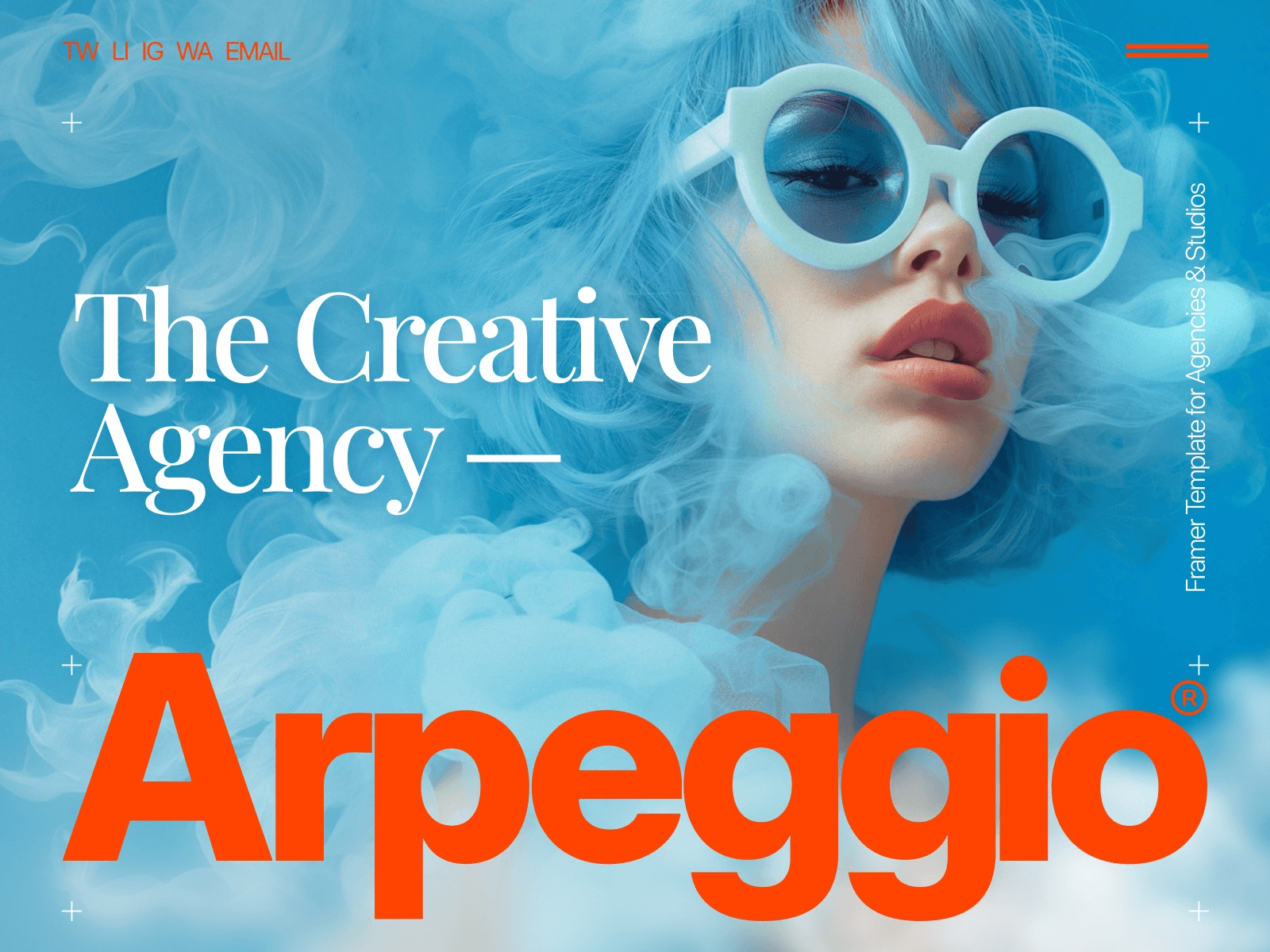
Arpeggio by Tamas Bodo treats your portfolio as a sales tool, not a gallery. It’s built around storytelling and results, walking a visitor through each project to the point where they want to talk, which makes it strong for agencies and studios chasing bigger clients. If Avexa is the full shopfront, Arpeggio is the focused pitch.
Portavia, for designers and developers (free)
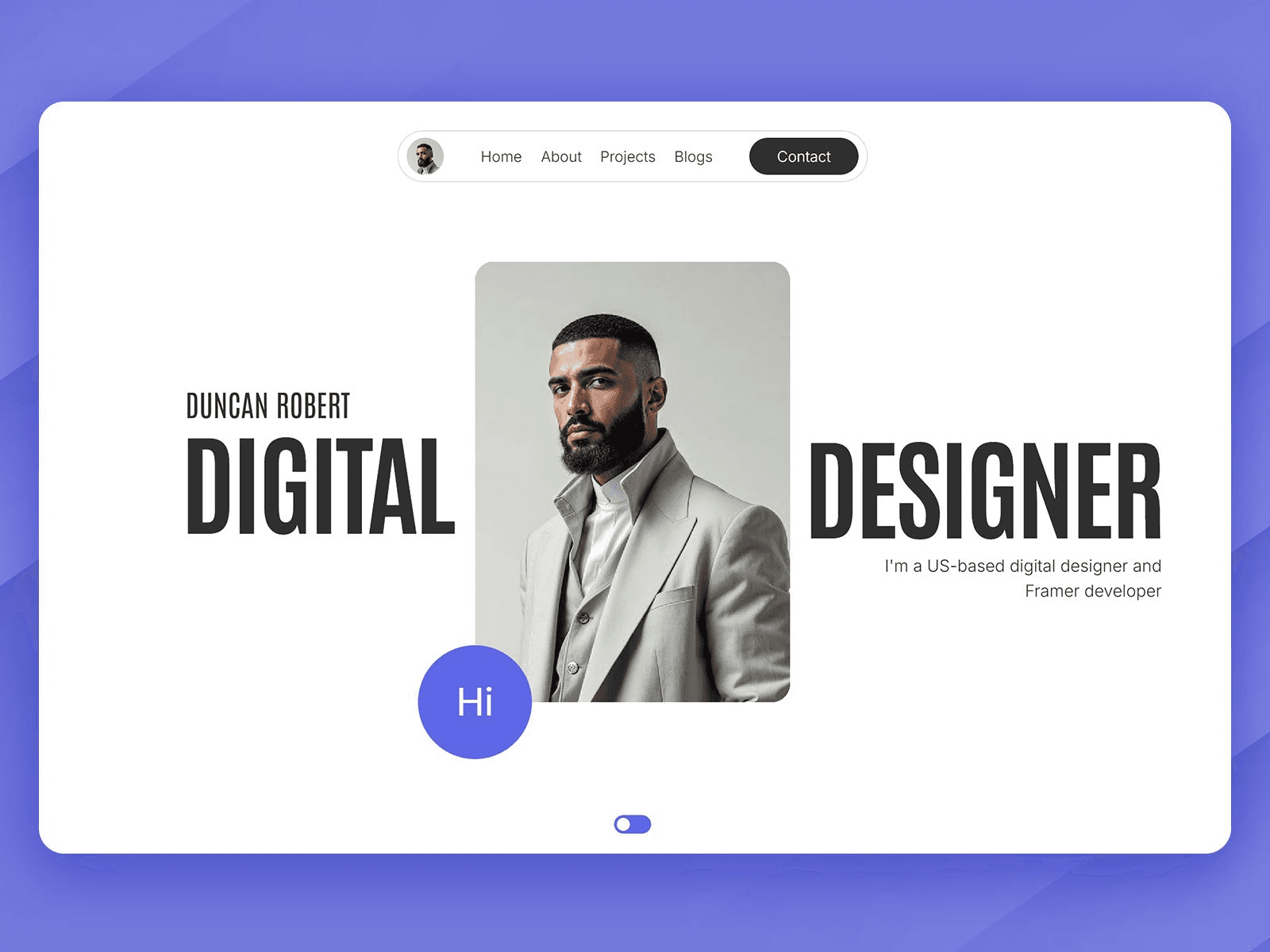
Portavia by oldshen rounds things off, a free, minimal portfolio that suits designers and developers who want clean over flashy. It’s got flexible project sections and both light and dark themes, with just enough motion to feel modern without getting in the way. A solid free starting point if none of the niche picks above fit you.
How to pick the right one
Start with what you do, not which looks nicest. If you’re a photographer, Aperture’s built for exactly that. Brand and graphic designers are best served by Mike Bennet or Fabrica, while interior and spatial designers finally have one in Revana. If you’re an agency or studio, it comes down to how much you’re selling: Noora and Arpeggio keep the focus on the work, whereas Avexa and Viral give you room for services and pricing alongside the portfolio.
The three free picks are a smart place to start, especially if you’re launching your first portfolio and don’t want to spend before you’ve seen your work sitting in it. You can always move to a paid one later. If none of these quite fit, my roundup of Framer templates for creatives is worth a look.
Whichever you go for, the important bit is getting it live. A portfolio sitting half-built in your drafts wins you nothing, while the one that’s online and 80% there is already working for you as you tweak the rest. Pick the one that fits your work and get it published this week.
For options beyond portfolios, my guide to the best Framer templates covers the wider range.
More posts on Framer and building websites that work.
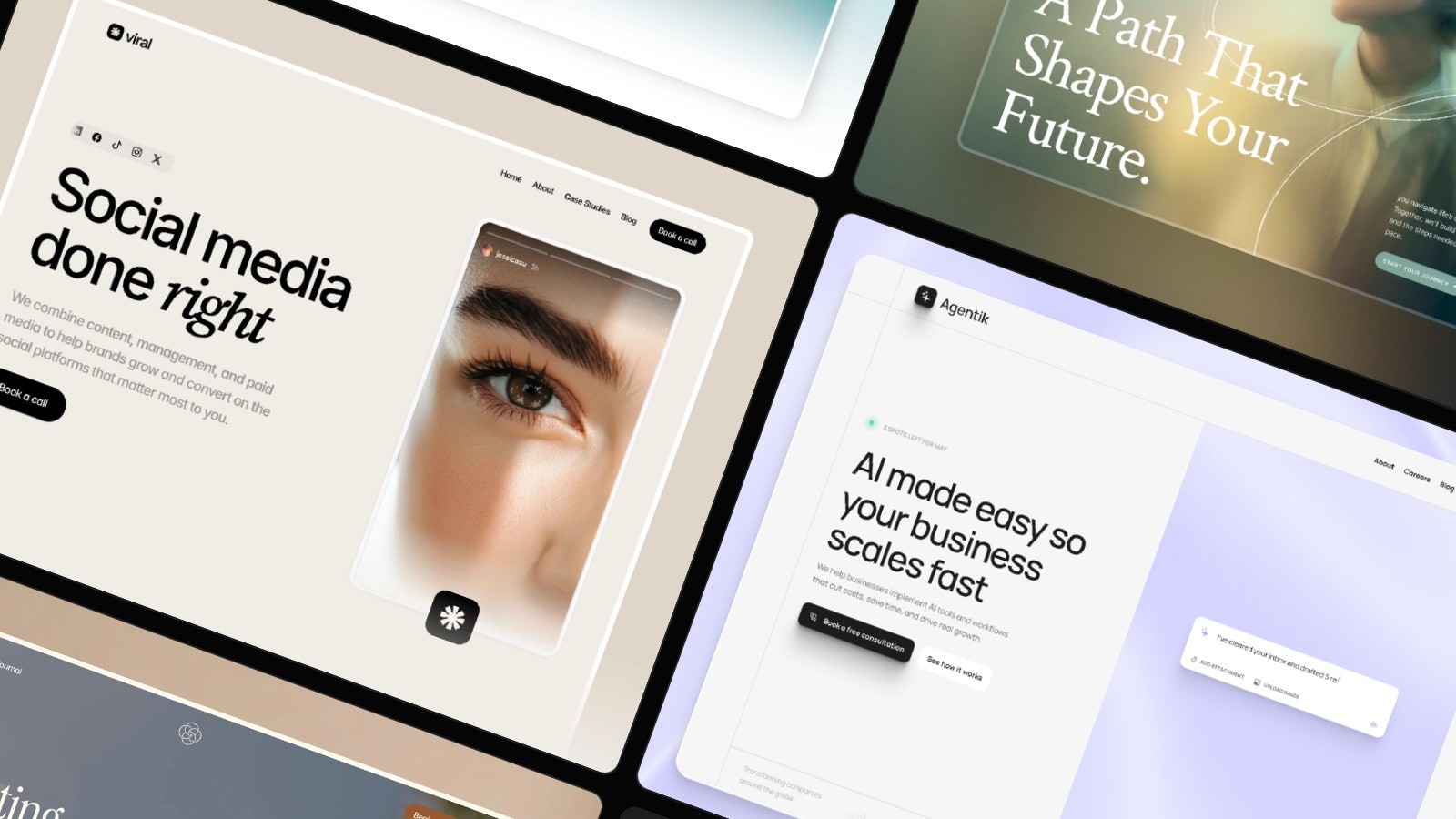
Framer Templates: The 8 Best Picks in 2026 (Free & Paid)
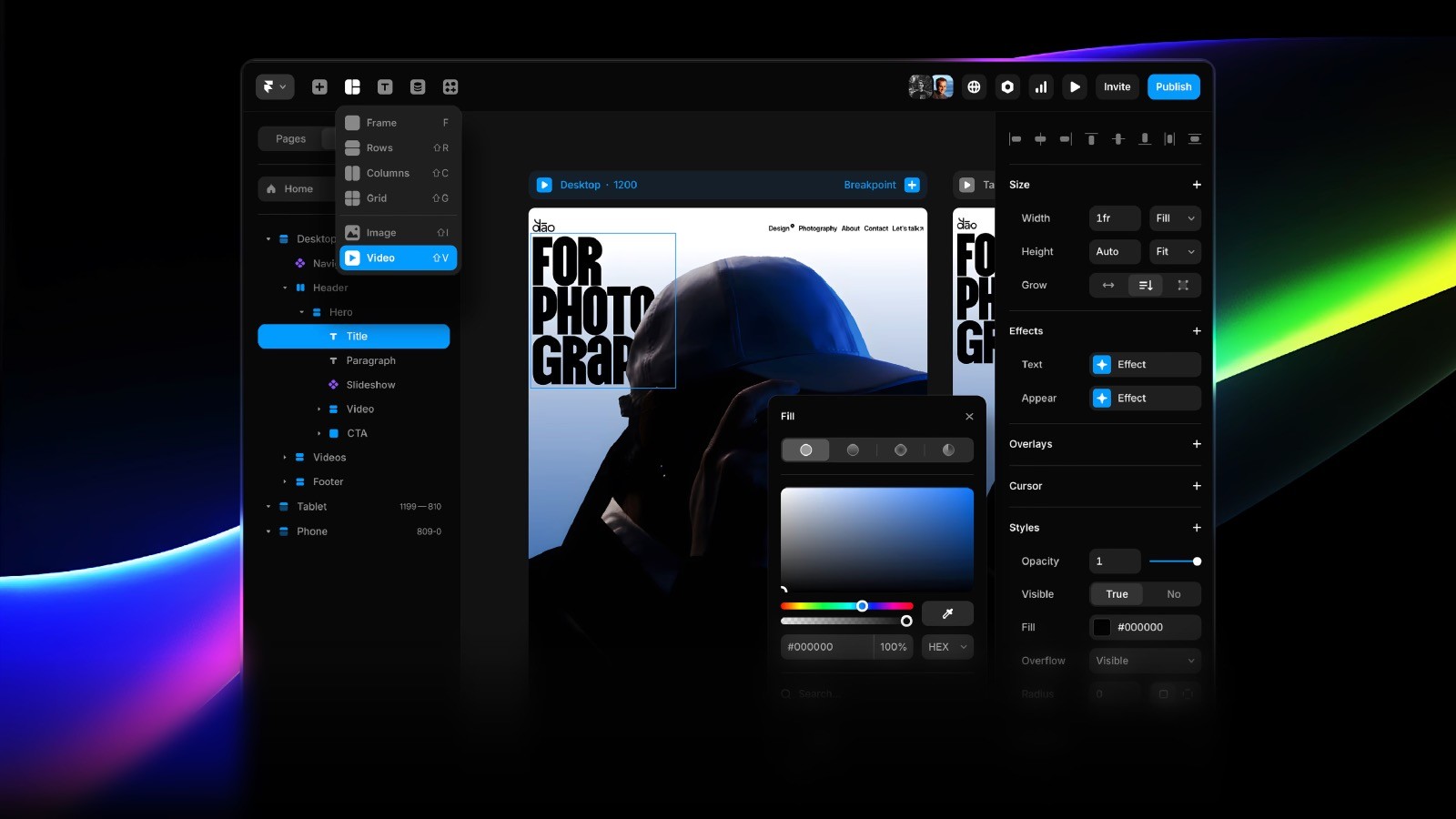
How to Customize Framer Templates: The Basics